
kolawong/dsh-plugin-auth-webserver
DeepSeek Harness plugin providing HTTP Basic Authentication, remote IP access, and Web Cryptography UUID polyfill for self-hosted server deployments.
This is a DeepSeek Harness (DSH) plugin. Review its GitHub README, installation information, maintenance status, and public security signals here.
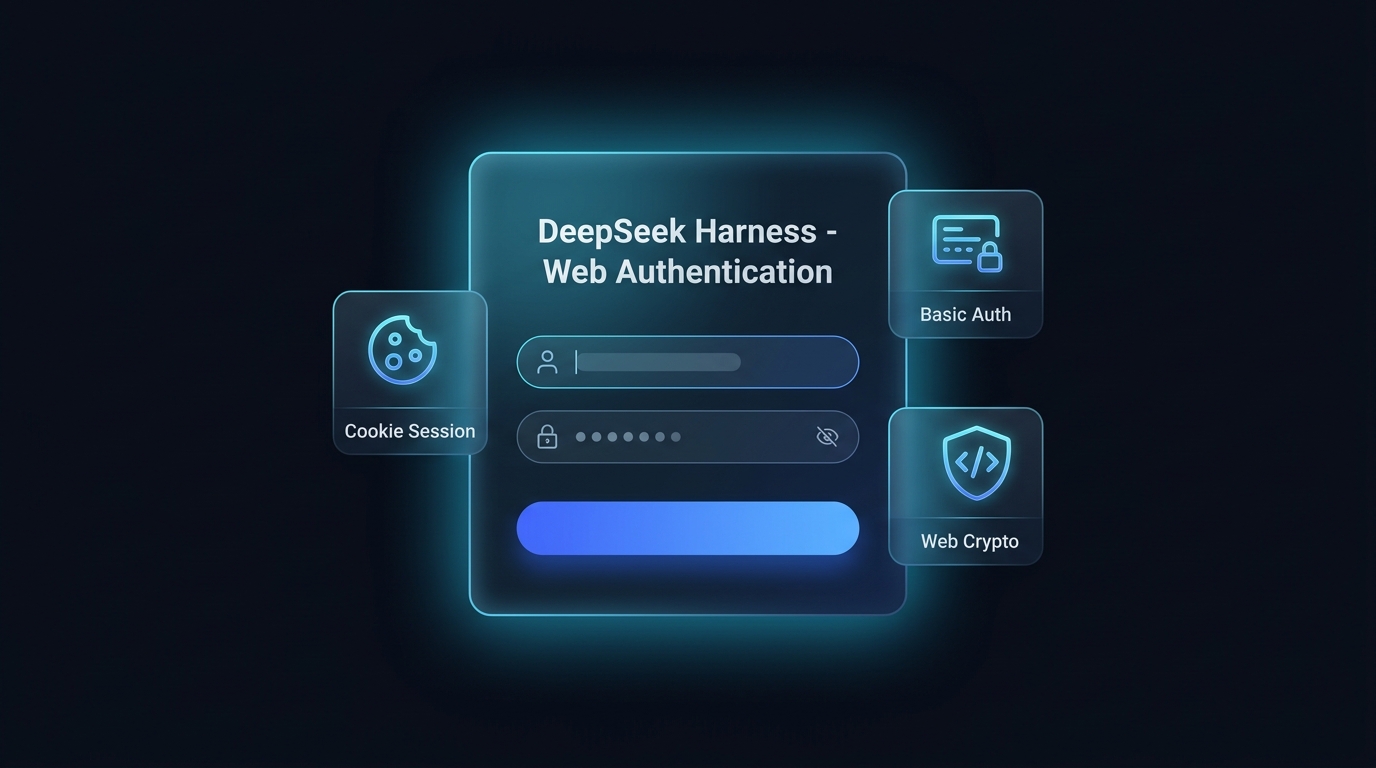
dsh-plugin-auth-webserver



DeepSeek Harness (DSH) 原生 Web 安全认证插件包。 为云服务器部署、局域网共享和多设备远程访问提供原生外观的 Web 登录界面、Cookie 会话保持、Basic Auth 兼容、Web GUI 可视化设置 以及 Web Crypto Polyfill,界面支持简体中文与英文。
English | 简体中文
核心特性
- 深度匹配 DSH 原生美学的 Web 登录界面
- 告别浏览器简陋的原生弹窗,提供暗黑毛玻璃质感、微光边框的网页登录页面。
- 中英双语(跟随浏览器语言)、密码显示/隐藏切换、错误抖动动画、回车提交,完美适配移动端与桌面端。
- 安全长效的 Cookie / Session 会话机制
- 登录成功后自动生成 30 天 HMAC 签名会话 Token,无需反复输入账号密码。
- 提供
/api/auth.logout退出接口与前端退出按钮。
- Web GUI 可视化设置卡片
- 在 DSH 网页端「设置」->「插件(Plugins)」->「Web 访问认证」中直接查看与修改账号密码。
- 内存实时生效,并持久化到插件自有的状态文件
$DSH_HOME/plugins/dsh-plugin-auth-webserver/,重启后依然生效,且不碰你的配置层。
- 双模鉴权与 WebSocket 实时保护
- 网页端优先采用 Web 表单与 Cookie 会话;同时向下兼容
HTTP Basic Auth,方便命令行脚本、curl与自动化工具调用。 - 完整覆盖 HTTP 路由与 WebSocket (
upgrade) 协议通道。
- 网页端优先采用 Web 表单与 Cookie 会话;同时向下兼容
- 远端 IP 特权 RPC 网关信任委托
- 自动处理请求
Host/Origin映射,解决公网 IP 访问时settings.describe与agentPreset.*报HTTP 403 Forbidden的问题。
- 自动处理请求
- Web Crypto UUID 自动 Polyfill
- 自动在页面
<head>中注入安全的 UUID 生成器,解决非 HTTPS 或直接 IP 访问时客户端崩溃的问题。
- 自动在页面
安装
用 dsh plugin 把本包安装进 profile:
# 从 Git 仓库安装(建议锁定 commit,防止后续推送悄悄改变安装行为):
dsh plugin --profile web add github:kolawong/dsh-plugin-auth-webserver#<commit-sha>

# 或使用 tarball / npm(发布后):
dsh plugin --profile web add ./dsh-plugin-auth-webserver-0.3.0.tgz
dsh plugin --profile web add dsh-plugin-auth-webserver
本包声明了 dsh.bundle,dsh plugin 会自动把它追加到 profile 的
bundle 列表;它的补丁会禁用内置 webserver 行并插入带认证的服务。
随后启动:
dsh --profile web
浏览器访问 http://你的服务器IP:3080 即可看到登录页面。
配置
所有配置项都有默认值;如需覆盖,请在你的 profile 自己的补丁
($DSH_HOME/profiles/web/cordis.patch.yml,它应用在所有 bundle 层之后)
中覆盖 webserver-auth 行:
- id: webserver-auth
  config:
    host: '0.0.0.0'
    port: 3080
    username: 'admin'
    password: 'your_secure_password'
Web 界面设置卡片中的修改立即生效,并保存到
$DSH_HOME/plugins/dsh-plugin-auth-webserver/state.json(权限 0600)。
环境变量 DSH_AUTH_USER 与 DSH_AUTH_PASS 的优先级高于配置与已保存状态。
| 配置项 | 类型 | 默认值 | 说明 |
|---|---|---|---|
host | string | '0.0.0.0' | 监听的网络接口地址 (0.0.0.0 或 127.0.0.1)。 |
port | number | 3080 | Web 服务监听端口。 |
username | string | 'admin' | 登录用户名。 |
password | string | '' | 登录密码(留空则不开启验证)。 |
realm | string | 'DeepSeek Harness Authentication' | Basic Auth 认证领域标识。 |
API 接口
POST /api/auth.login— 用户名密码登录并获取 Session Cookie ({ username, password })。POST /api/auth.logout— 退出登录并清除 Cookie。GET /api/auth.get— 获取当前用户名、密码与 realm 信息(需要已登录)。POST /api/auth.update— 实时修改用户名与密码并持久化(需要已登录)。
开源协议
本项目采用 MIT 许可证 © 2026 kola
Security & install evidence
This score is based solely on public repository metadata and the install evidence registered here — it is not a code security audit.
From a public plugin catalog, linked to a public GitHub repository.
The repository declares the MIT license.
Code updates within the last 180 days.
No verifiable install metadata registered yet — please review the repository instructions manually.
The inspected package metadata declares no install lifecycle scripts.