
Yvesgao/dsh-desktop-launcher
DSH 启动器- 在 DSH 设置页一键创建 Windows 桌面快捷方式,自动打开浏览器、可固定任务栏。DSH plugin: one-click Windows desktop shortcut launcher from the Settings page (DeepSeek Harness or any local server) —Install: dsh plugin --profile web add github:Yvesgao/dsh-desktop-shortcut#main
这是一个 DeepSeek Harness(DSH)插件。本站汇总其 GitHub README、安装信息、维护状态与公开安全信号。
dsh-desktop-launcher
在 DSH 设置页一键创建 Windows 桌面快捷方式 —— 把任意本地服务(DeepSeek Harness、开发服务器、npx 工具)变成双击启动的桌面图标,自动打开浏览器,还能固定到任务栏。
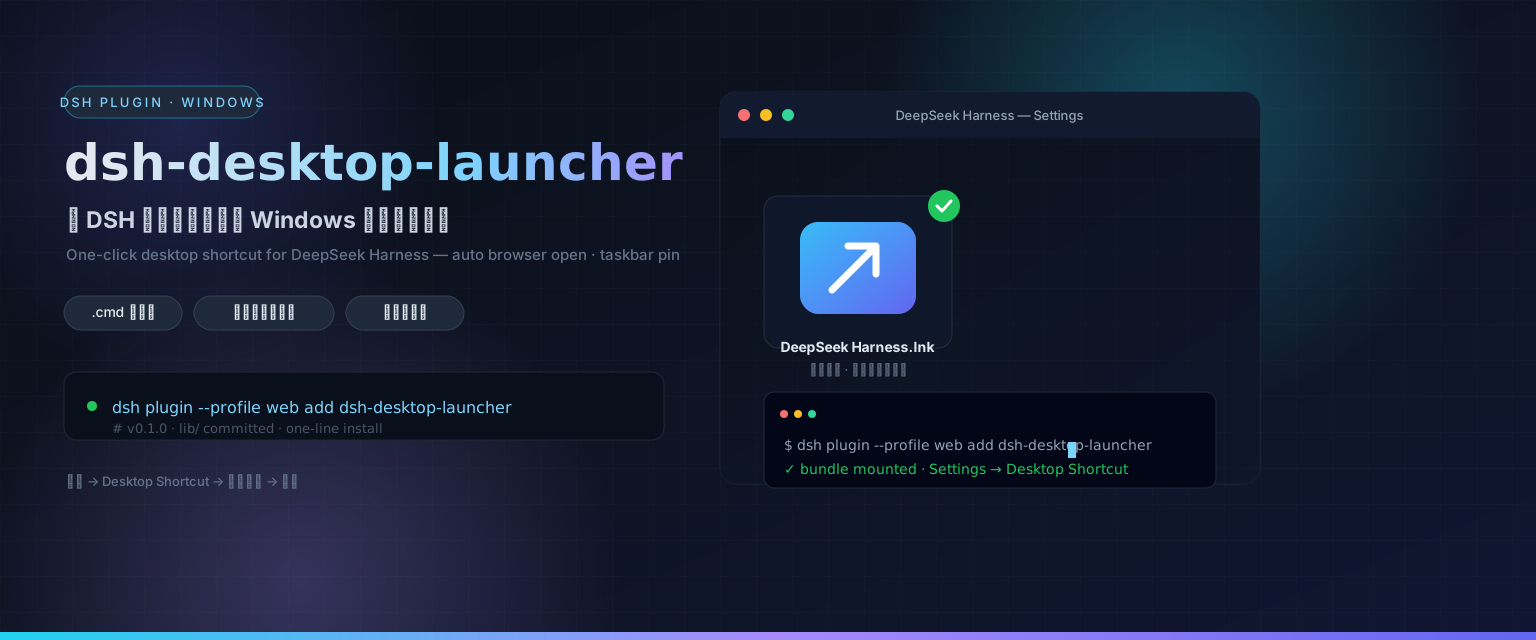
功能
把「打开 PowerShell → 敲命令 → 再开浏览器」变成双击一下。在 设置 → Desktop Shortcut 里填一个小表单,插件自动完成:
- 生成
.cmd启动器 —— 在控制台窗口里启动命令、等 URL 就绪后自动打开默认浏览器、保持窗口存活(关窗即停服);服务已在运行则直接打开浏览器。 - 创建桌面
.lnk快捷方式 —— 指向启动器(DeepSeek Harness 用 Node.js 图标)。 - 尝试固定到任务栏 —— 目标类型无法程序化固定时,打印「固定运行中窗口」的兜底指引(永远有效)。
核心逻辑由打包内置的、自包含的 assets/New-DesktopShortcut.ps1 完成(零外部依赖,也可独立运行)。
能力清单
| 能力 | 说明 |
|---|---|
| 设置页 UI | settings.section「Desktop Shortcut」:名称 / 命令 / URL / 工作目录表单 |
| Host JSON API | POST /plugins/desktop-shortcut/api/install 执行 PowerShell 引擎;.../status 上报平台 |
| 启动器生成 | 带端口检查的 .cmd,自动开浏览器,兼容「已在运行」场景 |
| 任务栏固定 | 尽力程序化固定 + 「固定运行中窗口」兜底指引 |
安装(bundle 形态,需重启 web)
# git 源(lib/ 已入库)
dsh plugin --profile web add github:Yvesgao/dsh-desktop-launcher#main

# 或 npm
dsh plugin --profile web add dsh-desktop-launcher
重启 web(dsh web)后,打开 设置 → Desktop Shortcut,填好表单点 Create desktop shortcut 即可。
仅支持 Windows —— PowerShell 引擎是 Windows 组件。设置页在所有平台都会出现,但在非 Windows 平台会报错提示。
开发
pnpm install
pnpm build        # tsc(host lib)+ tsdown(client bundle lib/client.js)
pnpm typecheck
官方插件开发契约与可参考的社区插件源码已收集在 docs/references/。
插件管理
已装插件推荐用 plugin-registry 的薄控制台管理(浏览器面板):bundle 层栈 + insert 行 + 启停,无需手改配置。
dsh plugin --profile web add <plugin-registry>/packages/plugin/console
截图
发布前在此补充设置页截图(docs/preview/settings.png)。
License
MIT
English
Create a one-click Windows desktop shortcut from the DSH Settings page — launch any local server (DeepSeek Harness, dev servers, npx tools) with a double-click, auto-open the browser, and pin it to the taskbar.
What it does
Turns "open PowerShell, type a command, then open the browser" into a double-click. From Settings → Desktop Shortcut you fill in a small form and the plugin:
- Generates a
.cmdlauncher — starts the command in a console window, waits for the URL to respond, opens your default browser, and keeps the window open (closing it stops the server). If the server is already running it just opens the browser. - Creates a desktop
.lnkshortcut pointing at the launcher (Node.js icon for DeepSeek Harness). - Attempts to pin the shortcut to the taskbar and prints manual fallback steps when the target type cannot be pinned programmatically.
The heavy lifting is done by the bundled, self-contained assets/New-DesktopShortcut.ps1 (no external dependencies, works standalone too).
Capabilities
| Capability | Description |
|---|---|
| Settings UI | settings.section "Desktop Shortcut" with a name / command / URL / workdir form |
| Host JSON API | POST /plugins/desktop-shortcut/api/install runs the PowerShell engine, .../status reports platform |
| Launcher generation | Port-checked .cmd that auto-opens the browser and handles the already-running case |
| Taskbar pin | Best-effort programmatic pin with the always-works "pin the running window" fallback instructions |
Install (bundle, requires web restart)
# from a git repo (lib/ committed)
dsh plugin --profile web add github:Yvesgao/dsh-desktop-launcher#main

# or from npm
dsh plugin --profile web add dsh-desktop-launcher
Restart the web UI (dsh web). Then open Settings → Desktop Shortcut, fill the form and click Create desktop shortcut.
Windows only — the PowerShell engine is a Windows component. The Settings section appears on all platforms but reports an error when run elsewhere.
Development
pnpm install
pnpm build        # tsc (host lib) + tsdown (client bundle lib/client.js)
pnpm typecheck
Reference contracts (official plugin development guide + a working community plugin) are collected under docs/references/.
Plugin management
Manage installed plugins with the plugin-registry thin console (browser panel): bundle layer stack + insert rows + enable/disable, no manual config edits.
dsh plugin --profile web add <plugin-registry>/packages/plugin/console
Screenshot
Add a screenshot of the Settings section here (docs/preview/settings.png) before publishing.
License
MIT
安全与安装证据
该分数只基于公开仓库元数据与本站登记的安装证据,不等同于代码安全审计。
来自公开插件目录,并链接到公开 GitHub 仓库。
仓库声明 MIT 许可证。
最近 180 天内有代码更新。
尚未登记可复验的精确安装元数据,请按仓库说明手动检查。
已检查的包元数据未声明安装生命周期脚本。